-Dark.png?width=250&height=127&name=CS-Coaching%20Systems%20Logo-Alt%20Version(1)-Dark.png)
Starting or Getting back into a course
From your dashboard, a course you've been assigned or already started shows under Recent Activity. Select Start/Continue to pick up right where you left off.
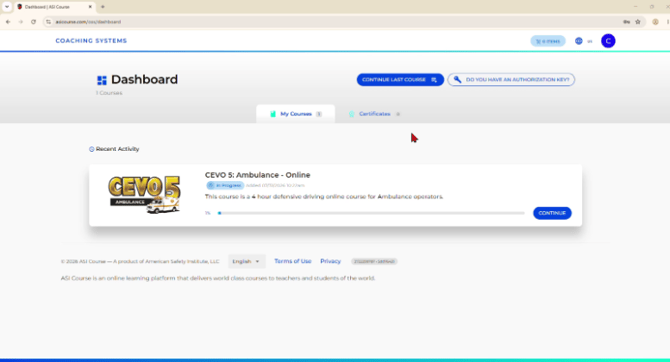
A course in progress on the student dashboard, with a Continue button.
How course content is organized
Once inside a course, the left-hand Course Content panel breaks the material into sessions — each covering a specific topic — with an Introduction at the start and a Final Test at the end. Expanding a session reveals its individual videos (Scenes) and quiz checkpoints in order.
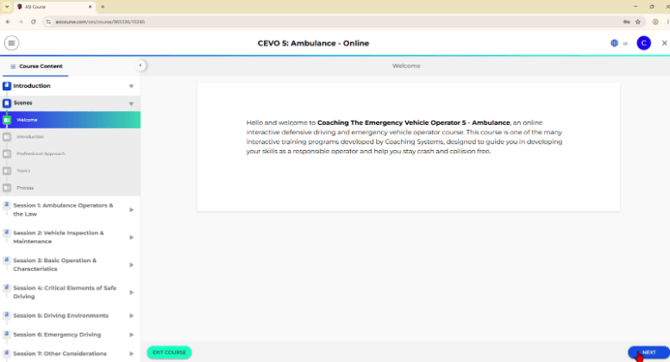
The Course Content sidebar, showing sessions broken into videos and quiz components.
Watching videos
Each topic includes a video that plays in the main panel. You'll need to watch the video in order to continue — the course won't let you skip ahead to the next topic until it's marked complete.
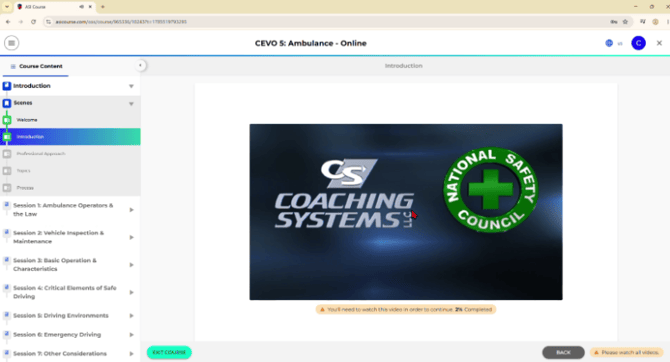
A required video, with a notice that it must be watched before continuing.
Tip: If you need to step away, you can exit the course at any time and return later — your progress is saved, and you'll pick up where you left off.
Quiz checkpoints
Sessions include short quizzes between videos to check your understanding as you go. After completing one, you'll see your score and a Continue button to move on to the next video.
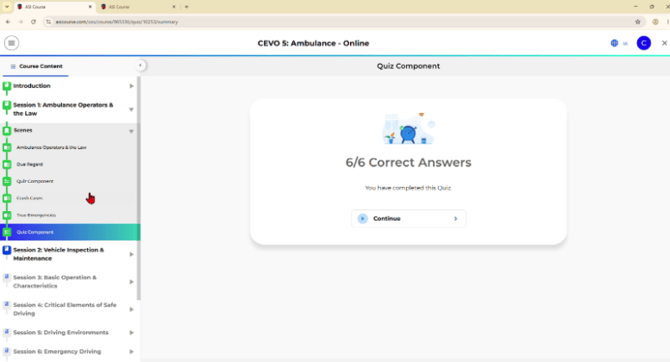
A quiz checkpoint result, shown after answering all of its questions.
The final test
After completing every session, you'll reach the Final Test. Before starting, you'll see the test's requirements:
|
Detail |
Value |
|
Total questions |
30 |
|
Required score |
80% |
|
Attempts allowed |
3 |
|
Can you save and return? |
No — once started, the test must be completed in one sitting. |
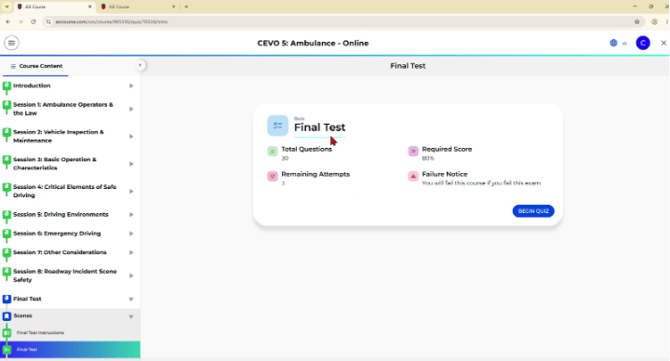
The Final Test instructions, showing question count, required score, and attempts remaining.
Important: Make sure you're free from distractions and ready to finish before you begin — the final test can't be saved partway through and resumed later.
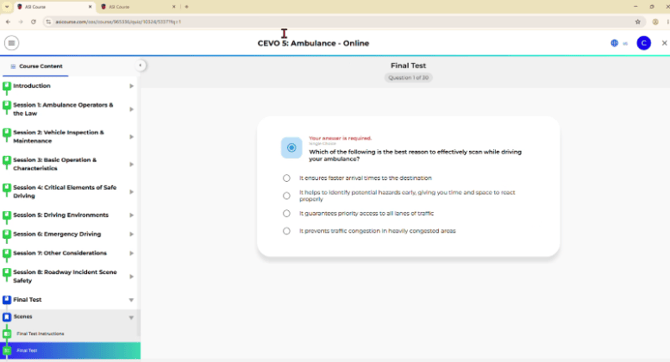
A question from the Final Test, showing question number and multiple-choice answers.
Quick reference
- Use Continue on your dashboard to resume a course in progress.
- Course Content on the left shows sessions, videos, and quiz checkpoints in order.
- Each video must be watched before you can move to the next topic.
- Quiz checkpoints appear between videos to reinforce what you've learned.
- The Final Test has 30 questions, requires an 80% score to pass, and allows 3 attempts — it must be completed in one sitting.